
Short version: Import invoices and receipts to Sage with one click—they show up as purchase invoices with all data filled in. AI extracts data in 60 seconds—scan receipts or process invoices. Native Sage integration on all plans including Free.
The gist
Connect your Sage account once and push invoices or receipts directly—they show up as purchase invoices with all the data filled in. Or export to CSV/XLSX and import through Sage's normal flow if you prefer. The AI extraction works the same either way: about 60 seconds versus 15-20 minutes typing manually.
Sage Business Cloud Accounting is supported. Sage 50 and Sage Intacct are not (yet). Native Sage integration is included on all plans, including Free.
Two Ways: PDF to Sage
| Method | What happens |
|---|---|
| Native push | Upload → AI extracts → Push to Sage |
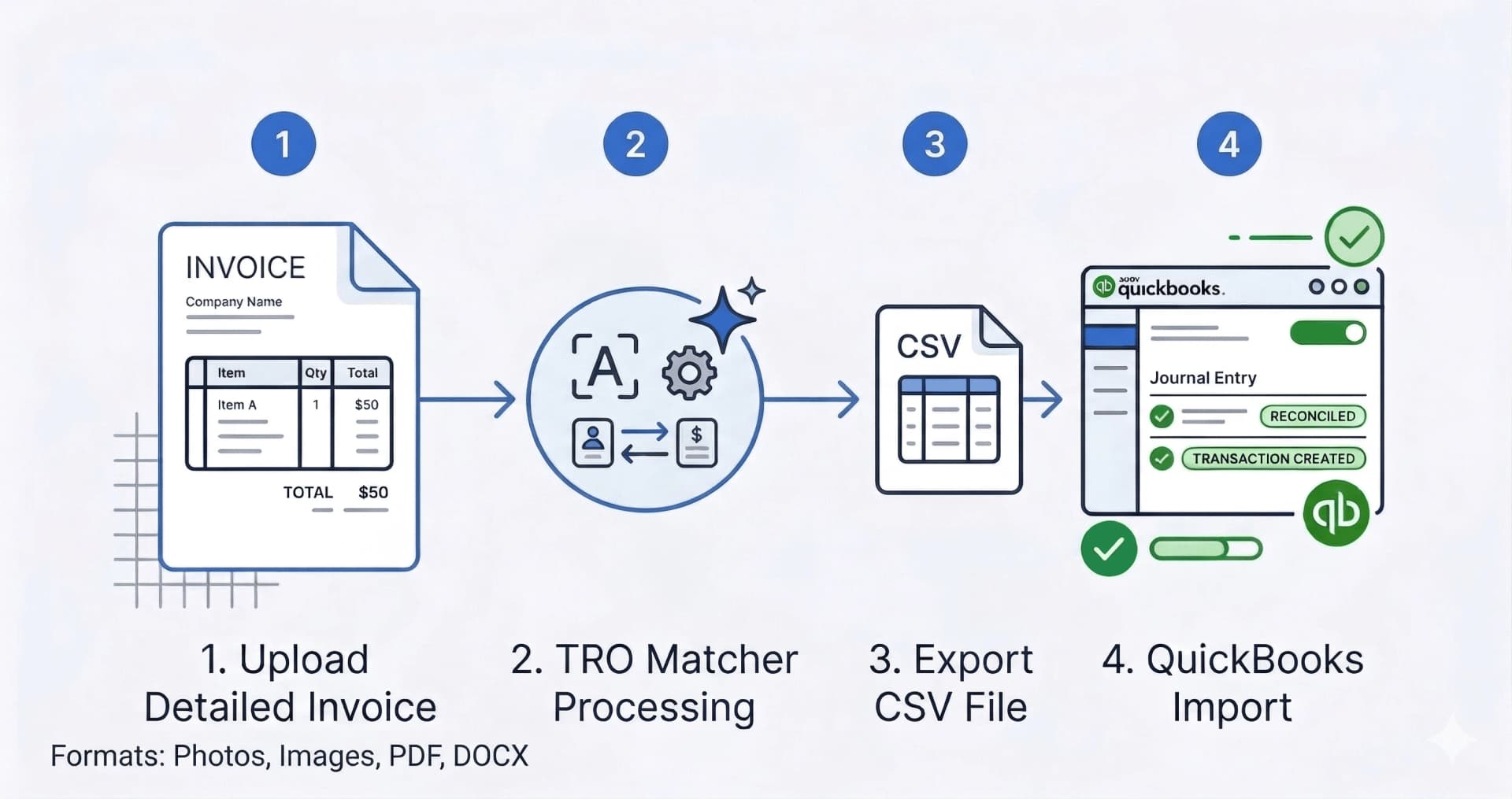
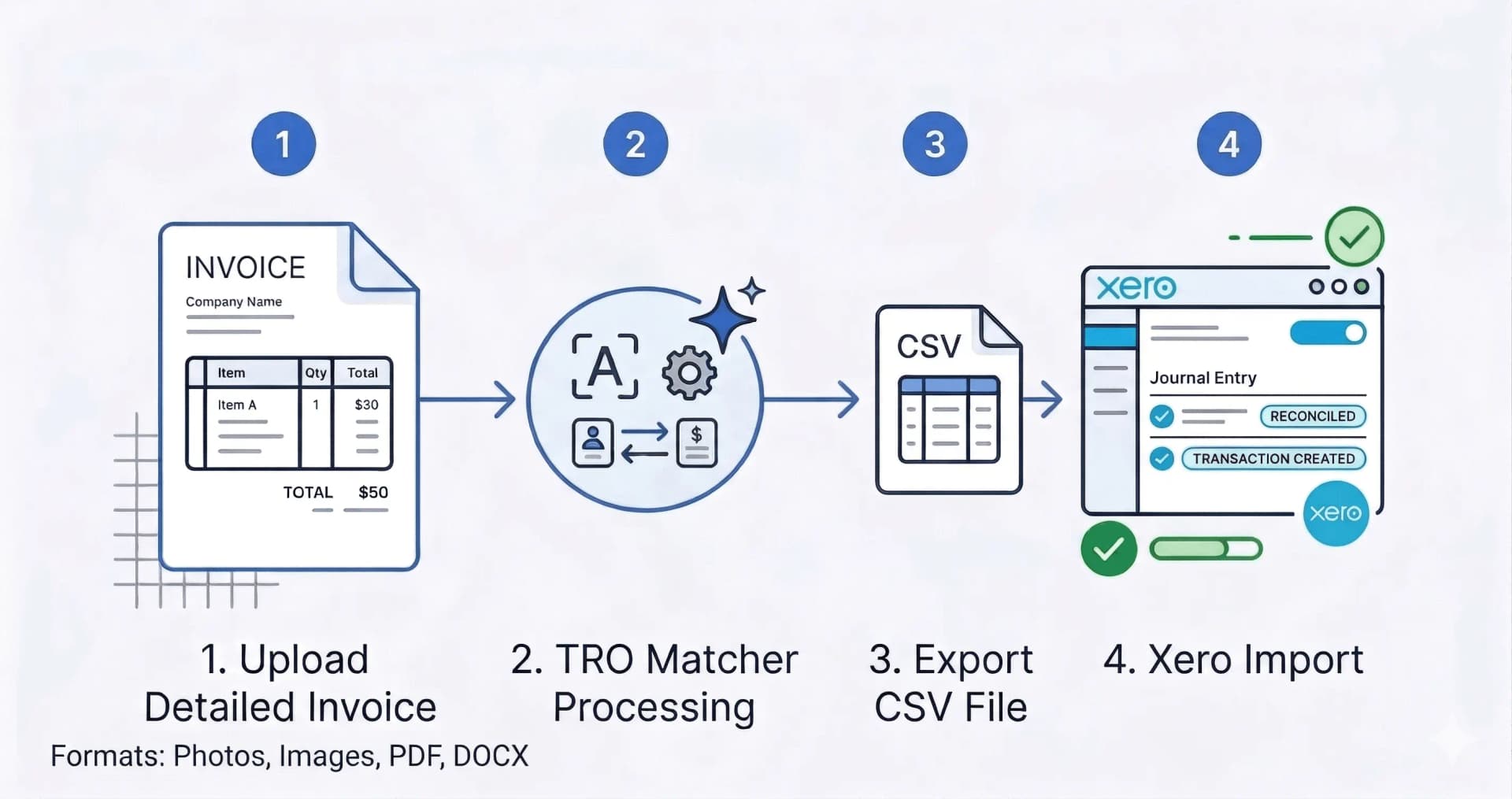
| CSV/XLSX export | Upload → AI extracts → Download file → Import to Sage |
The native option skips the export-import dance. Both options available on all plans.
Import multi-line invoices to Sage
If your invoices have 10, 50, or 100+ line items, typing them manually is brutal. Here's how TRO Matcher handles complex invoices:
Step 1: Upload your multi-line invoice
Drop in the PDF or photo. Could be a distributor invoice with 50 SKUs or a contractor bill with 20 line items—doesn't matter.
Step 2: AI extracts every line
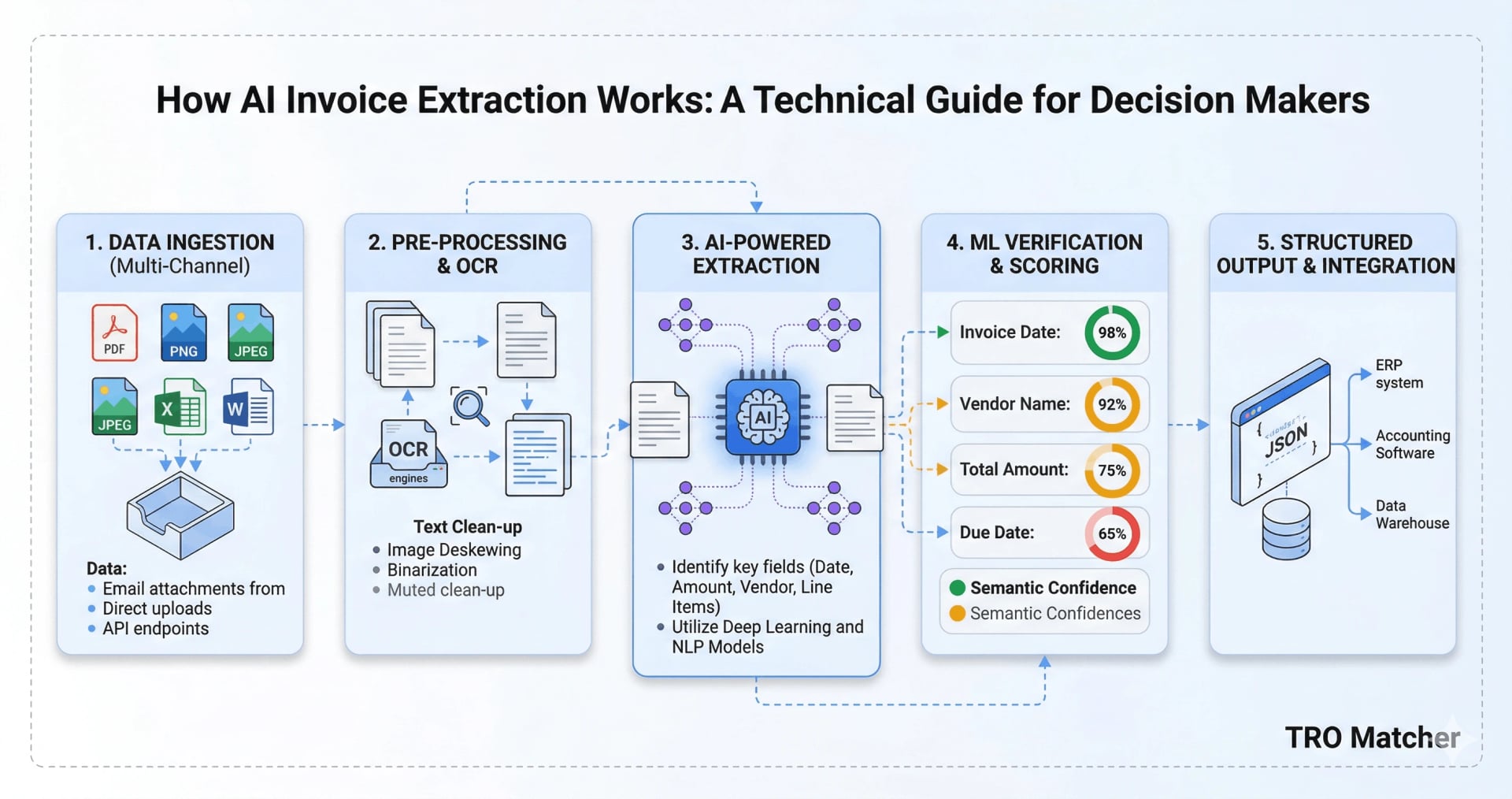
The AI reads each line item: description, quantity, unit price, tax. You'll see confidence scores—green means it's confident, yellow means take a look.
Step 3: Review and push
Check the extraction, fix anything flagged. Push directly to Sage—each line item preserved with proper ledger account mapping. Or export CSV/XLSX if you prefer.
Result: A purchase invoice in Sage with all your line items intact. No retyping, no copy-paste errors.
Sage Invoice Scanning: Direct Push
Connect once
Go to Settings > Integrations > Sage and hit Connect. You'll log in through Sage—your password stays with them, we never see it. If you run multiple Sage businesses, pick which one you want invoices sent to.
Upload your invoice
Drop in a PDF, snap a photo, paste a spreadsheet—whatever you've got. The AI reads it and pulls out vendor info, line items, amounts, and dates. Takes about a minute.
Match the supplier
When you push, you'll pick which Sage supplier this vendor corresponds to (or create a new one). You'll also assign ledger accounts to each line item. Sage needs this.
If you deal with the same suppliers regularly, set default mappings. Next time, it just remembers.
Hit push
The invoice shows up in Sage as a purchase invoice. Supplier, invoice number, dates, line items, tax—all there. Review it in Sage, post when you're ready.
Export invoices to Sage via CSV
If you prefer the CSV workflow:
Upload and extract
Same deal—drop in your invoice, AI pulls out the data in about a minute.
Download the CSV or XLSX
Hit Export, pick CSV or XLSX. You get a file with all the extracted data in columns.
Import to Sage
In Sage Business Cloud, go to Costs > Purchase Invoices > Import. Select your CSV, map the columns (Sage usually figures most of them out), and import.
Here's how the fields line up:
| Sage wants | TRO Matcher gives you |
|---|---|
| Supplier | Vendor |
| Reference | InvoiceNumber |
| Date | InvoiceDate |
| Due Date | DueDate |
| Description | Description |
| Quantity | Quantity |
| Unit Price | UnitPrice |
| Tax Rate | Tax |
Multi-currency Support
If you deal with international suppliers: TRO Matcher supports 170+ currencies with automatic ECB exchange rate conversion. Upload invoices in EUR, USD, GBP, or any currency—prices normalize for comparison and export in your base currency or original amounts.
Compare Vendors Before Sage Import
Need to compare quotes from multiple suppliers? Upload invoices from up to 5 vendors and compare prices side-by-side. TRO Matcher highlights price differences and provides smart recommendations for the best deal—before you push to Sage.
See the invoice comparison guide for the full workflow.
Why skip manual data entry
Say you process 50 invoices a month. Typing each one into Sage by hand takes 15-20 minutes. With TRO Matcher, it's more like 3 minutes including the push.
| What | Manual | With TRO Matcher | Difference |
|---|---|---|---|
| Per invoice | ~17 min | ~3 min | 14 min saved |
| Monthly total | 14+ hours | 2.5 hours | 12 hours back |
| Typos | 2-3% of invoices | almost none | fewer headaches |
Pro plan costs $19/month with 100 extractions. Free plan includes 10 extractions. If your time is worth $30/hour, you're getting significant value either way.
Questions
How do I import invoices and receipts to Sage?
Upload invoice or receipt (PDF, photo, spreadsheet) to TRO Matcher. AI extracts data in 60 seconds—works for receipts scanning and invoice processing alike. Push directly to Sage with one click.
What file formats work for scanning receipts to Sage?
8 formats: PDF, PNG, JPEG, WebP, HEIC (iPhone photos), CSV, Excel, Word. Photograph receipts with your phone or upload PDF invoices—same AI handles both.
Which Sage versions work?
Sage Business Cloud Accounting (formerly Sage One). Sage 50 and Sage Intacct are not supported yet.
Is there a free option?
Yes. Free plan includes 10 extractions/month with full native Sage integration, no credit card needed. Pro plan ($19/month) gives you 100 extractions.
What about ledger accounts?
Sage needs every line item assigned to an account. You'll pick accounts when you push. For recurring suppliers, set defaults so you don't have to pick every time.
Ready?
Go to Settings > Integrations > Sage. Connect once, then push invoices whenever. Or use CSV/XLSX export if you prefer.
See the Sage integration feature page for a full walkthrough.
Related Resources
- Invoice Comparison Guide — Compare up to 5 vendors side-by-side
- Receipt Scanning Software Guide — Compare receipt scanner apps for small business
- How AI Invoice Extraction Works — Technical guide on AI-powered extraction
- Xero Integration Guide — Native Xero integration on all plans
- CSV Import to Any Accounting Software — Universal CSV workflow